Tools External
Webtools External
Emmet - IDE Code Assistant
Get code templates using shortcuts in IDEs
Emmet IDE assistance
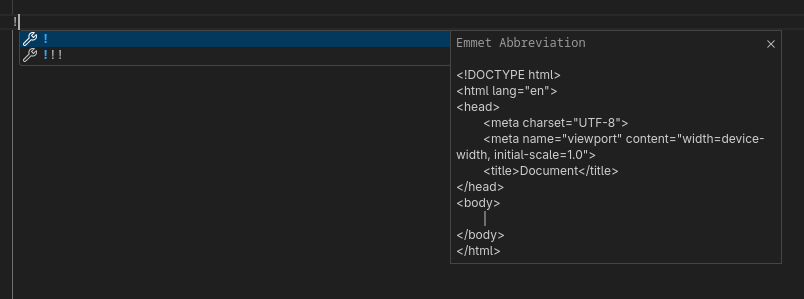
1) ! - HTML Template
Description
Create the skeleton HTML file template
Code
Emmet
HTML Output
!<!DOCTYPE html>
<html lang="en">
<head>
<meta charset="UTF-8">
<meta name="viewport" content="width=device-width, initial-scale=1.0">
<title>Document</title>
</head>
<body>
</body>
</html>Output
2) *>{} - Times and content
Description
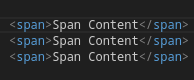
Create the content multiple times and includes the value of the element using the braces
Code
Emmet
HTML Output
span*3>{Span Content}<span>Span Content</span>
<span>Span Content</span>
<span>Span Content</span>Output
3) *>{} - Times and nested sub elements
Description
Create the content multiple times and create nested sub-elements
Code
Emmet
HTML Output
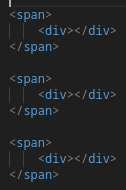
span*3>div<span>
<div></div>
</span>
<span>
<div></div>
</span>
<span>
<div></div>
</span>Output